
Pik Scan Beta User Manual
Pik Scan is a local macOS beta app for checking Session compatibility before a recall, transfer, or room handoff. It scans DAW Sessions for referenced Plugins, compares them with the Plugins installed on this Mac, and creates a report you can share without sending the client Session.
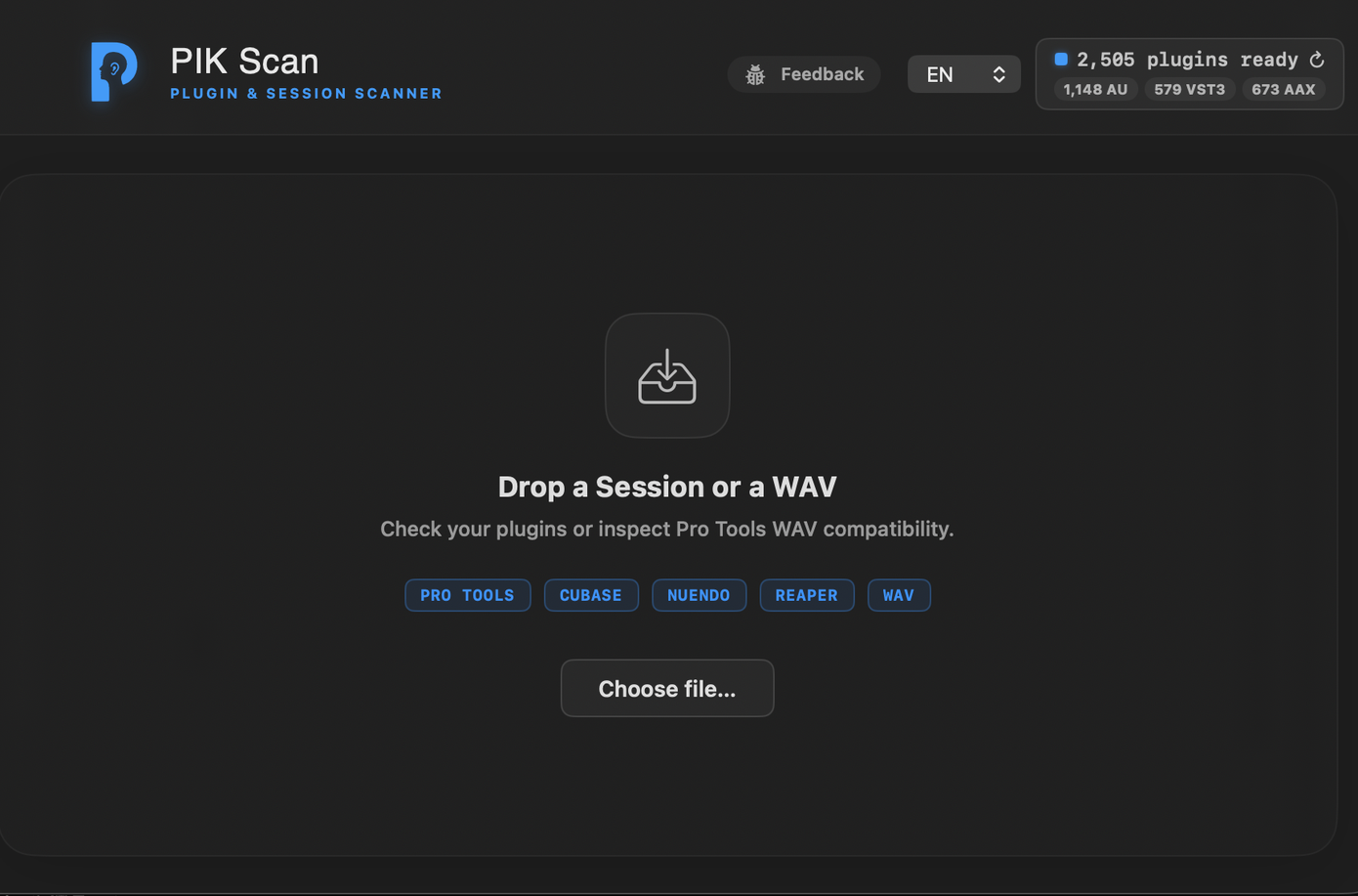
Supported Files
- Pro Tools Sessions:
.ptx - Cubase projects:
.cpr - Nuendo projects:
.npr - REAPER projects:
.rpp - WAV files for Pro Tools import-risk checks
Session Plugin Scan
- Open Pik Scan.
- Drop a
.ptx,.cpr,.npr, or.rppfile onto the main window, or choose it with the file picker. - Review the Plugin inventory and status groups.
- Use the missing-Plugin links to find the vendor or product page when available.
- Export an HTML report when you need to send results to an assistant, studio, client, or another room.
Plugin Statuses
- Installed: Pik Scan matched the Session Plugin to a Plugin installed on this Mac.
- Waves shell: the Session references a Waves Plugin and a compatible WaveShell is installed.
- Name match: Pik Scan found a conservative same-name match when bundle metadata is incomplete.
- Built-in: the Plugin is treated as part of the DAW or stock Pro Tools environment.
- Missing: Pik Scan could not find a compatible installed Plugin.
The report is a compatibility checklist, not a substitute for opening the Session in the DAW and listening. Plugin version differences, presets, licenses, and DSP/native variants can still matter.
Export HTML
Use Export HTML to create a portable report. The report is generated locally and can be shared without attaching the original Session file. It includes the Plugin list, status categories, and missing-Plugin vendor links when Pik Scan can infer them.
WAV iXML Split-Risk Check
Some stereo WAV files exported from Cubase or Nuendo include iXML metadata that can cause Pro Tools to import the file as split .A1 and .A2 mono files. Pik Scan can inspect WAV files for this risk before delivery or import.
Check One WAV
- Drop a
.wavfile onto Pik Scan. - Review the iXML split-risk result.
- If the file is risky, choose the single-file fix action to write a clean stereo copy.
Batch Fix WAVs
- Choose the batch WAV fix action.
- Select the files or folder you want to process.
- Pik Scan writes fixed copies for risky files and leaves the original files untouched.
- Import the fixed copies into Pro Tools.
The WAV fix is designed to remove the problematic metadata while preserving the audio data.
Privacy
Pik Scan runs locally on your Mac. Session scans, WAV checks, and HTML report generation do not upload client Session files.
Beta Notes
Pik Scan is beta software. If a scan looks wrong, send the Session type, DAW version, Plugin name, and a screenshot of the result to the beta feedback address.